Rhythm · four lanes · one line
Bardbeat
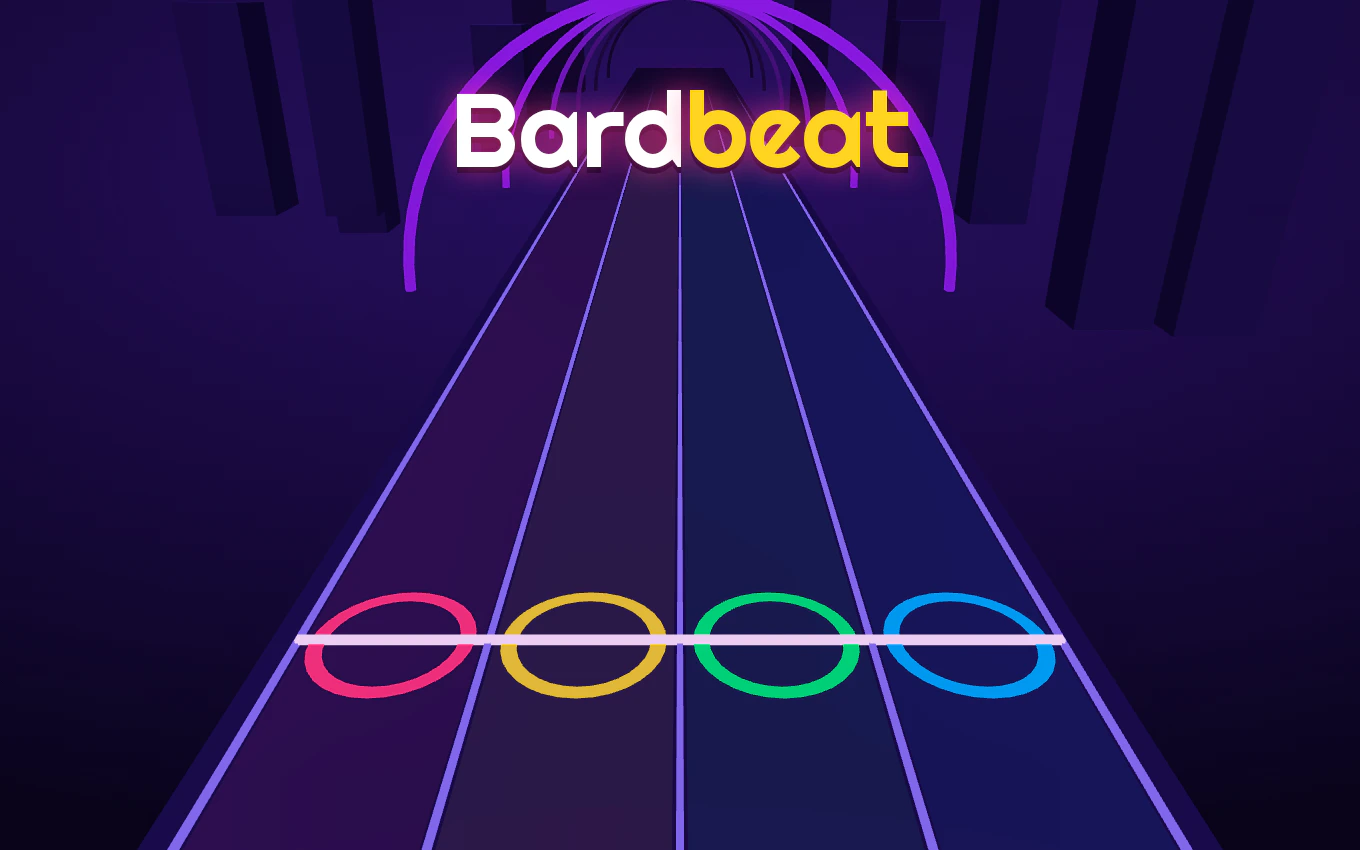
Runes fall, you hit the line, and the run writes its own song. Four lanes, no fixed track list, tempo climbing the whole way up.
Free · no download · D F J K or tap
Tuning the stage…
What is Bardbeat?
Bardbeat is a free rhythm game you play in a browser tab. Four lanes, one hit line, and a stream of glowing runes coming down at you — you tap or press the lane just as a rune reaches the line, and that tap plays a note of the melody. Miss the line and the music thins out.
There is no fixed song list to memorize. Every run is generated with its own drums, bass and chords, and the tempo climbs as you get further in. That is the whole idea: the song is not something you learn by heart, it is something you hold on to.
How to play Bardbeat
On a keyboard
DFJK hit lanes 1 to 4 from left to right. The arrow keys do the same job if your hands already live there. Esc or P pauses.
On a phone or tablet
Tap the lane the rune is in. The game runs on desktop, mobile and tablet, and works in both landscape and portrait, so you can play it one-handed or two.
How you score
Chain combos and keep the crowd's energy up — that is what earns three stars on a track. Clean streaks matter more than frantic tapping.
Bardbeat tips that actually hold up
- Fix the offset before you blame your fingers. Wireless headphones add latency. Bardbeat has a timing offset setting for exactly this; set it once and your taps line up with what you hear.
- Keep the combo, not the speed. The tempo climbs as you progress anyway. Chasing it early only breaks the streak you need for the crowd's energy.
- Learn patterns, not songs. Since each run generates fresh drums, bass and chords, memorizing a track will not help. Get used to the shapes runes arrive in.
- Park your hands on four keys. D F J K puts one finger on each lane; moving your whole hand mid-pattern is where misses come from.
- Go full screen. The fullscreen button hides everything else, which matters once the runes start coming fast.
Bardbeat FAQ
Is Bardbeat free to play?
Yes. You press start on this page and play in the browser. There is no payment, no account and no sign-up.
Do I need to download or install anything?
No. Bardbeat is an HTML5 game that runs in the tab you already have open, on desktop, tablet and phone.
What are the controls for Bardbeat?
On a keyboard, D / F / J / K hit lanes 1 to 4 and the arrow keys do the same; Esc or P pauses. On mobile you tap a lane to hit the rune in it.
Can I play Bardbeat on my phone?
Yes. It is built for mobile and tablet as well as desktop, and supports both landscape and portrait orientation.
Why does every song in Bardbeat sound different?
Because the music is generated per run: each session gets its own drums, bass and chords rather than a fixed track.
How do I get three stars on a track?
Chain combos and keep the crowd's energy up through the climb in tempo. Three stars is the reward for holding the streak, not for hitting fast.
My taps feel out of sync with wireless headphones — what now?
Use the timing offset setting inside the game. Bluetooth audio lags behind the screen, and the offset shifts the hit window so your taps land where you expect.
Can I pause or play Bardbeat in full screen?
Esc or P pauses on a keyboard. The fullscreen button under the player puts the game on its own, and on phones it also tries to switch to landscape.
Does my progress carry over between visits?
This page does not create an account or store a save file, so a run belongs to the moment you play it. Nothing to lose by starting again.
The game is not loading — what can I try?
Reload the page, check your connection, and try another browser. If an ad or privacy blocker is unusually strict it can stop the embedded player from loading; allow this page and reload.
Bardbeat talk
Best combo, worst section, a timing offset that finally worked — leave it here for the next player.
No comments yet. Be the first: how far did you get before the tempo caught you?